
Remove Image Background
Delete image backgrounds instantly with AI-powered precision. Perfect for products and portraits.
Remove Image BackgroundChange Image Background
Replace image backgrounds with solid colors or custom backgrounds. Great for professional photos.
Change Image BackgroundChange Image Colors
Adjust hue, saturation, brightness, and contrast. Convert to grayscale or apply creative filters.
Change Image ColorsConvert Image Format
Convert PNG, JPG, WEBP with an option to keep transparency. Bulk convert multiple images at once.
Convert Image FormatConvert Image to PDF
Transform images to PDF format instantly. Perfect for documents, presentations, and archiving.
Convert Image to PDFConvert Image to Text
Extract text from images using OCR. Perfect for digitizing documents, receipts, and scanned materials.
Convert Image to TextUpscale Image Quality
Increase image size up to 4× for sharper product photos, portraits, and prints.
Upscale Image to 4kBlur Background
Create a portrait effect by blurring the background while keeping the subject sharp.
Blur BackgroundBlack & White Image background
Convert the background to black and white while keeping the foreground in full color.
Black & White Image backgroundEnhance Image
Sharpen details and auto-improve contrast and brightness for a crisp look.
Enhance ImageBulk Image Resizer
Resize multiple images at once. Upload up to 50 images and download as ZIP.
Bulk Resize ImagesImage Quality Checker
Detect blurry, noisy, pixelated photos. Perfect for ecommerce and marketing teams.
Check Image QualityCompress Image
Reduce image file size without losing quality. Perfect for faster websites and email attachments.
Compress ImageRemove Text from Image
AI-powered text detection and removal. Erase watermarks, captions, and unwanted text from images.
Remove Text from ImageAdd Text to Photo
Add customizable text to photos. Choose font, size, color, and drag text anywhere on your image.
Add Text to PhotoRemove Gemini Watermark
Remove watermarks from Gemini-generated images using AI inpainting. Clean images instantly with no login required.
Remove Gemini WatermarkRemove People from Photos
Paint over unwanted people and let AI seamlessly remove them. Perfect for cleaning up group photos and removing photobombers.
Remove People from PhotosMetadata of Images
View, edit, and remove metadata from images. Manage EXIF data, GPS coordinates, camera settings, and more.
Manage Image MetadataQuickly Change Image Background Colors
Easily change photo background to white online
Blue Image BackgroundEasily change photo background to blue online
Black Image BackgroundEasily change photo background to black online
Yellow Image BackgroundEasily change photo background to yellow online
Orange Image BackgroundEasily change photo background to orange online
Black & White Image BackgroundConvert background to black and white while keeping foreground in color
Free Online Image Processing Tools
ChangeImageTo.com offers a comprehensive suite of free online image processing tools designed for professionals, marketers, and content creators. Our tools are powered by advanced AI technology and require no registration or payment.
What You Can Do

🎯 Remove Image Backgrounds
Our AI-powered background remover uses specialized models for products and portraits, ensuring clean, professional results every time.
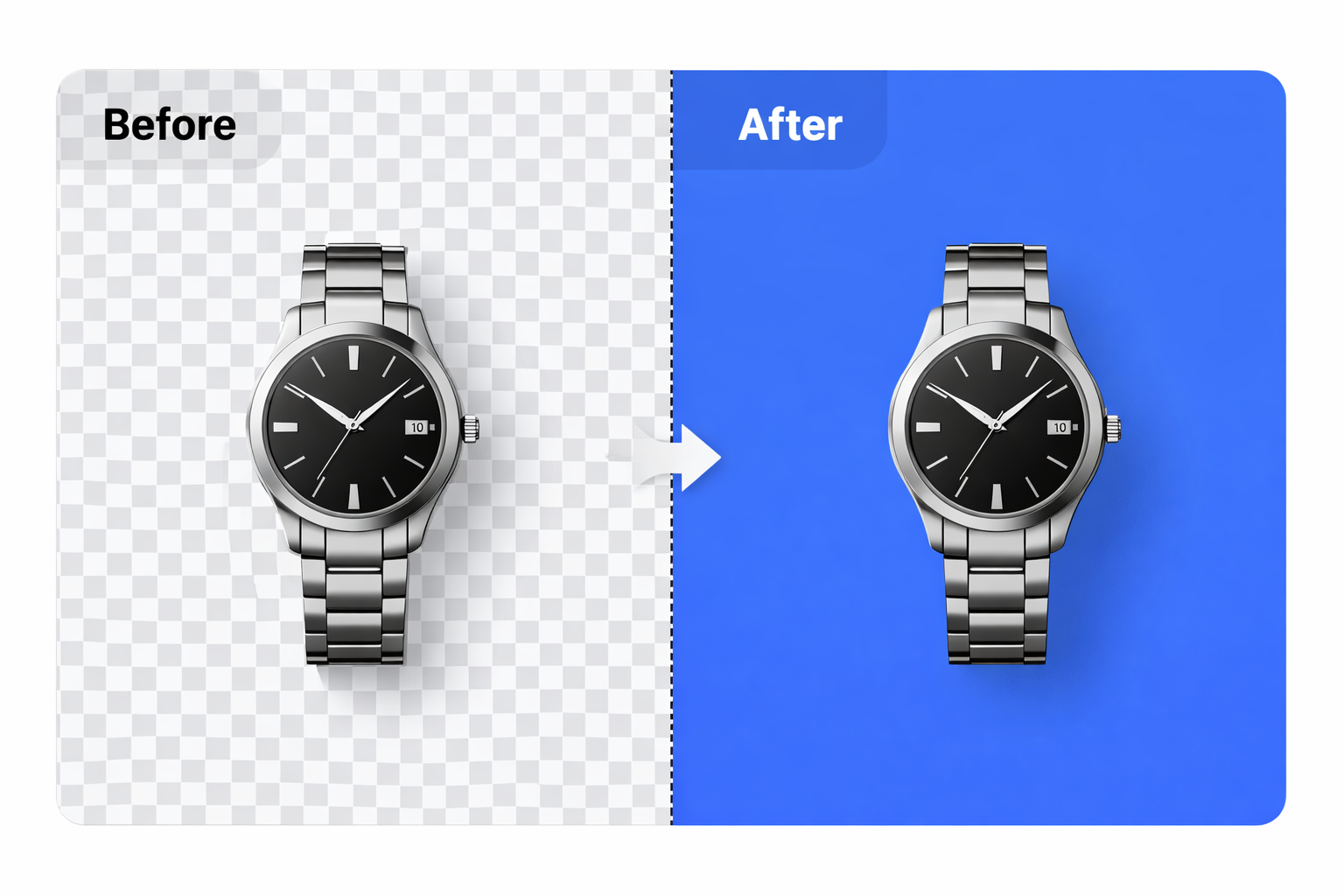
🎨 Change Background Colors
Replace transparent backgrounds with any solid color. Perfect for e-commerce, social media, and professional photography.
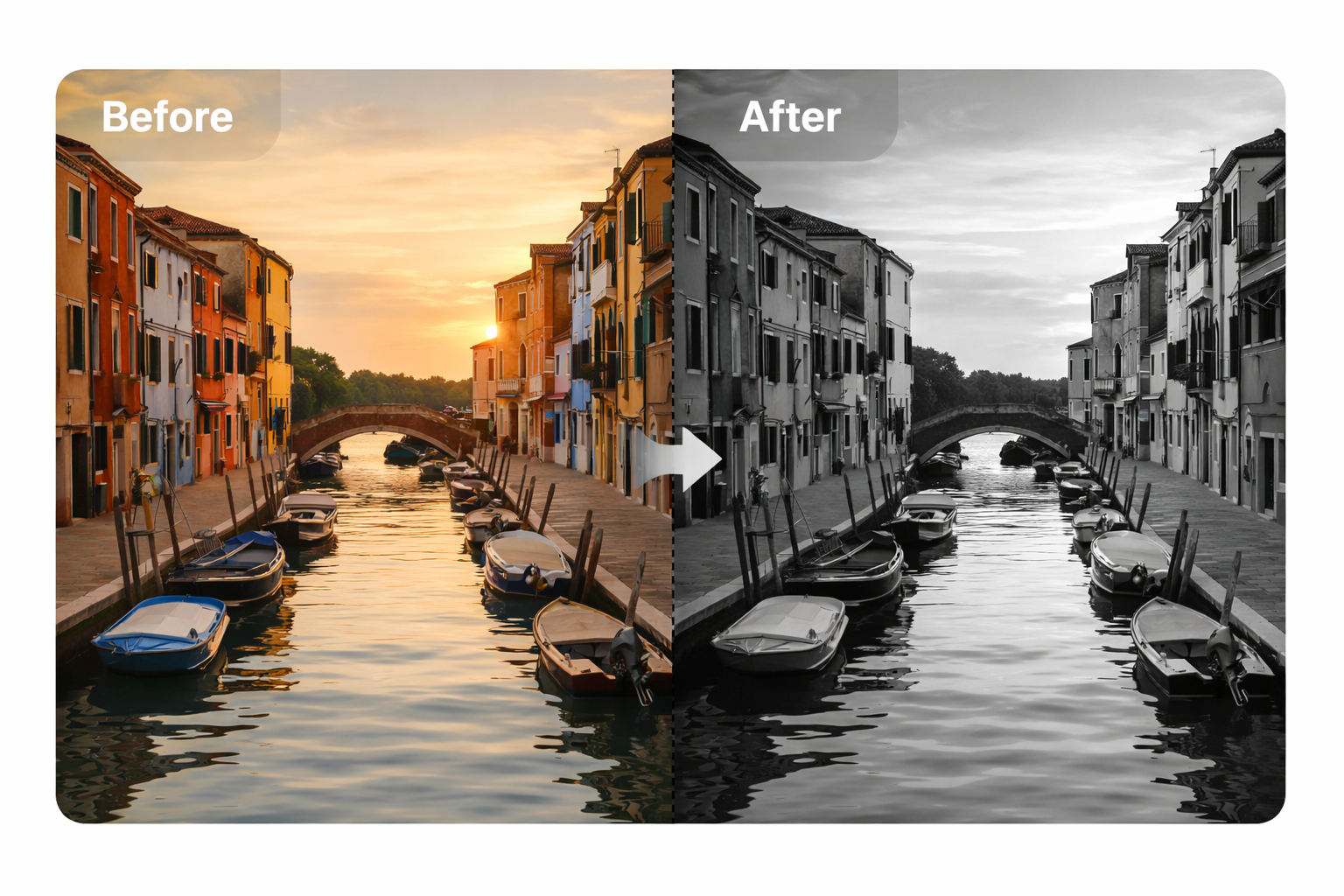
🌈 Modify Image Colors
Adjust hue, saturation, brightness, and contrast. Apply creative filters or convert images to grayscale with precision controls.
Why Choose Our Tools?
- 100% Free - No hidden costs, subscriptions, or watermarks
- No Registration - Start processing images immediately
- High Quality - Professional-grade AI models for best results
- Fast Processing - Most images processed in under 10 seconds
- Privacy Focused - Images are processed securely and not stored
- Multiple Formats - Support for JPG, PNG, and WebP files
How We Compare
See why ChangeImageTo.com is the best choice for your image editing needs
| Feature | ChangeImageTo.com | Raphael AI | PicsArt | Pixelbin | iLoveIMG | SnapEdit |
|---|---|---|---|---|---|---|
| 100% Free | ||||||
| No Registration Required | ||||||
| No Watermarks | ||||||
| AI-Powered Processing | ||||||
| Fast Processing (< 10s) | ||||||
| Multiple Tools (15+ features) | ||||||
| Privacy (No Image Storage) | ||||||
| Easy to Use (No Learning Curve) | ||||||
| Bulk Processing | ||||||
| Works in Browser | ||||||
| Commercial Use Allowed |
Frequently Asked Questions
Is ChangeImageTo.com really free?
Yes! All our image processing tools are completely free to use. There are no hidden costs, subscriptions, or watermarks on your processed images.
Do I need to create an account?
No account required. Simply upload your image and start processing immediately. We respect your privacy and don't require any personal information.
What file formats do you support?
We support JPG, PNG, and WebP image formats. Files can be up to 10MB in size for optimal processing speed.
How long does image processing take?
Most images are processed in under 10 seconds. Processing time depends on image size and complexity.
Are my images stored on your servers?
No. Images are processed temporarily and then deleted. We don't store or share your images with anyone.
Can I use these tools for commercial purposes?
Yes! You can use our tools for any purpose, including commercial projects, without any restrictions.